Managing Pending Member Registrations in GameDay Passport
Learn how to efficiently review and approve new member registrations within the GameDay platform. This guide helps administrators navigate the database to verify pending documents, check transaction statuses, and update essential member information.
Account Access
1. Navigate to https://passport.mygameday.app/account/?
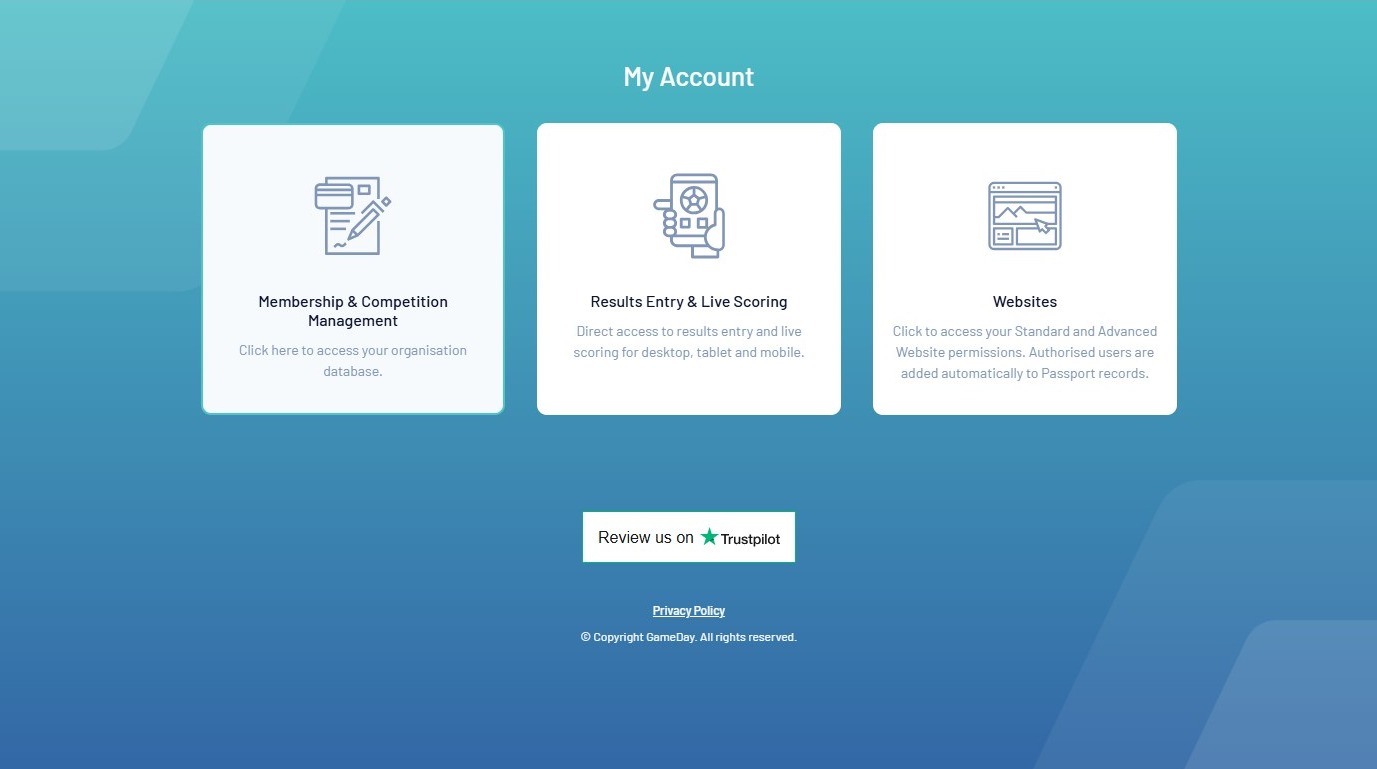
2. Click Membership & Competition Management.
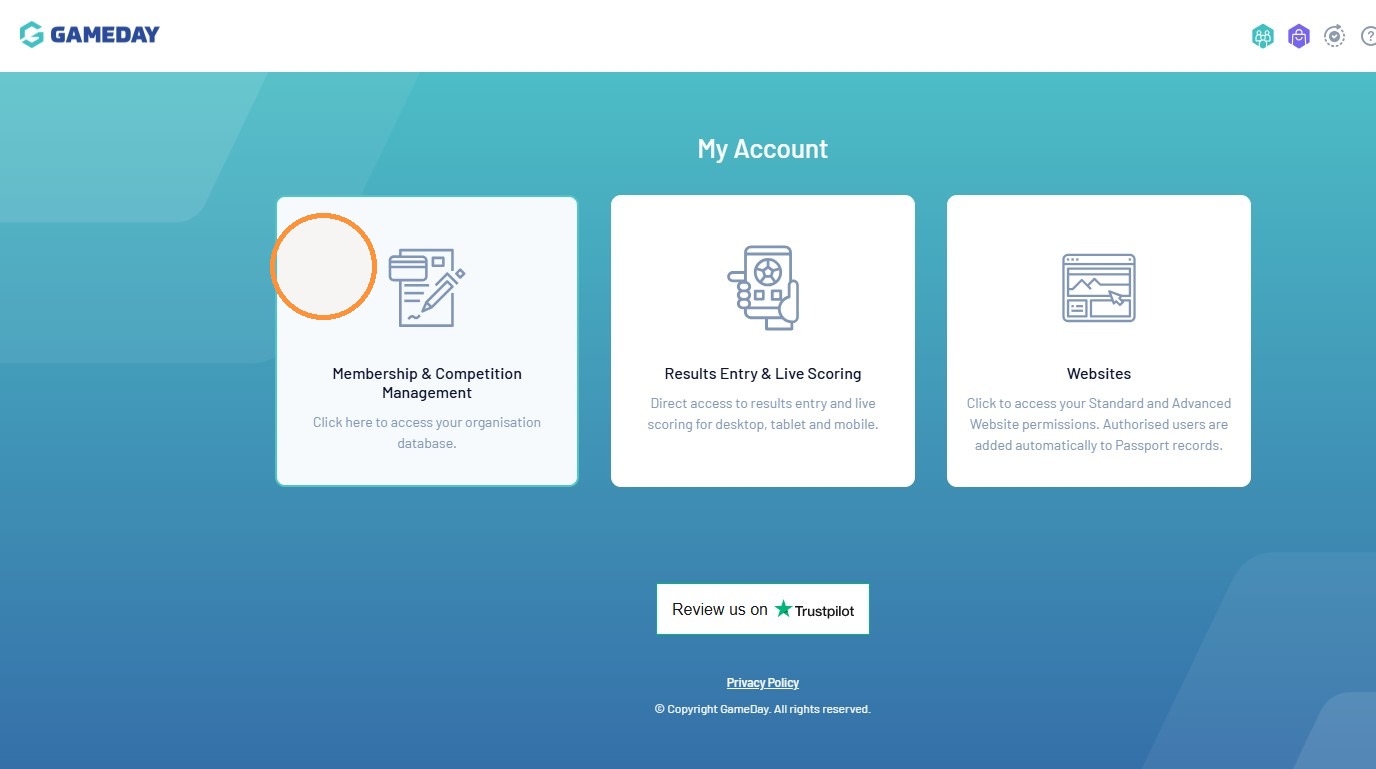
3. Click on your Club’s Account
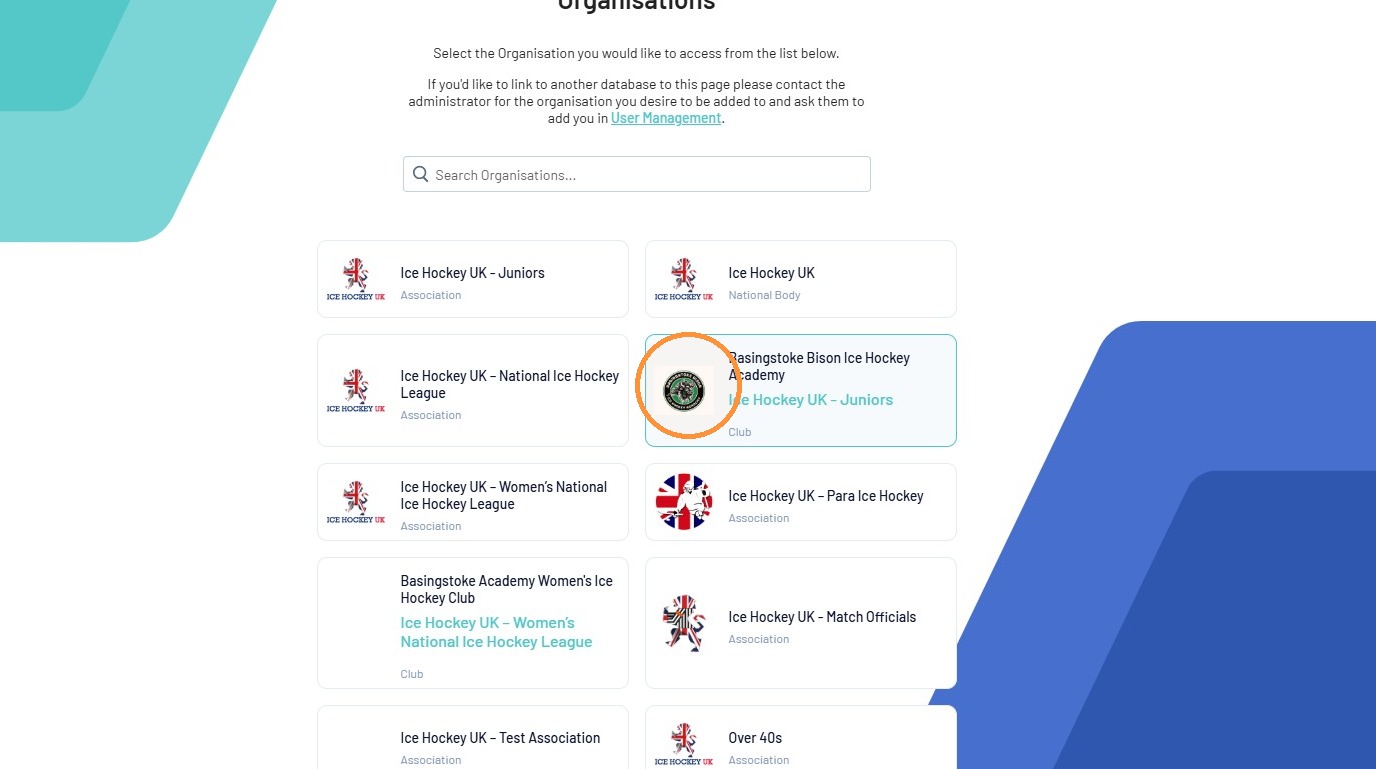
Organisation Navigation
4. Click “Members”
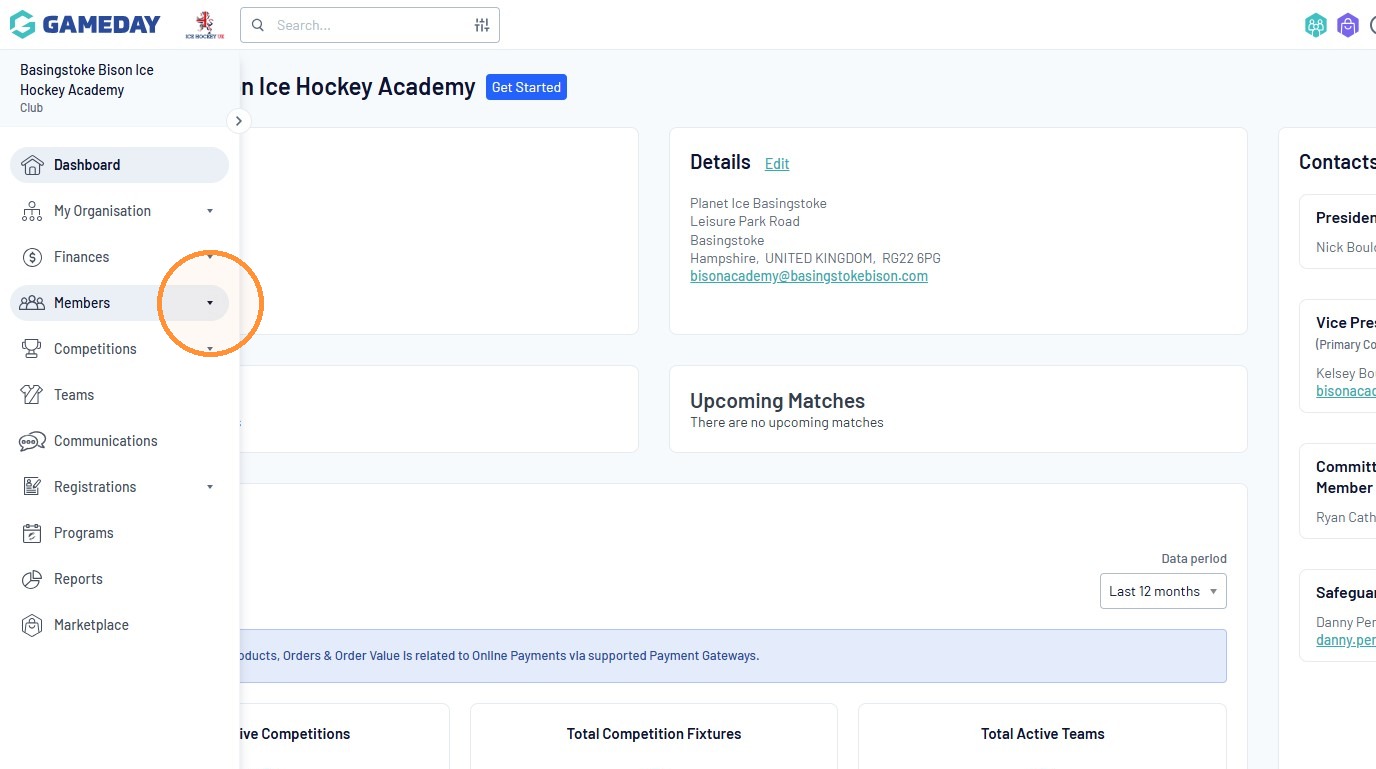
5. Click “Pending Registration”
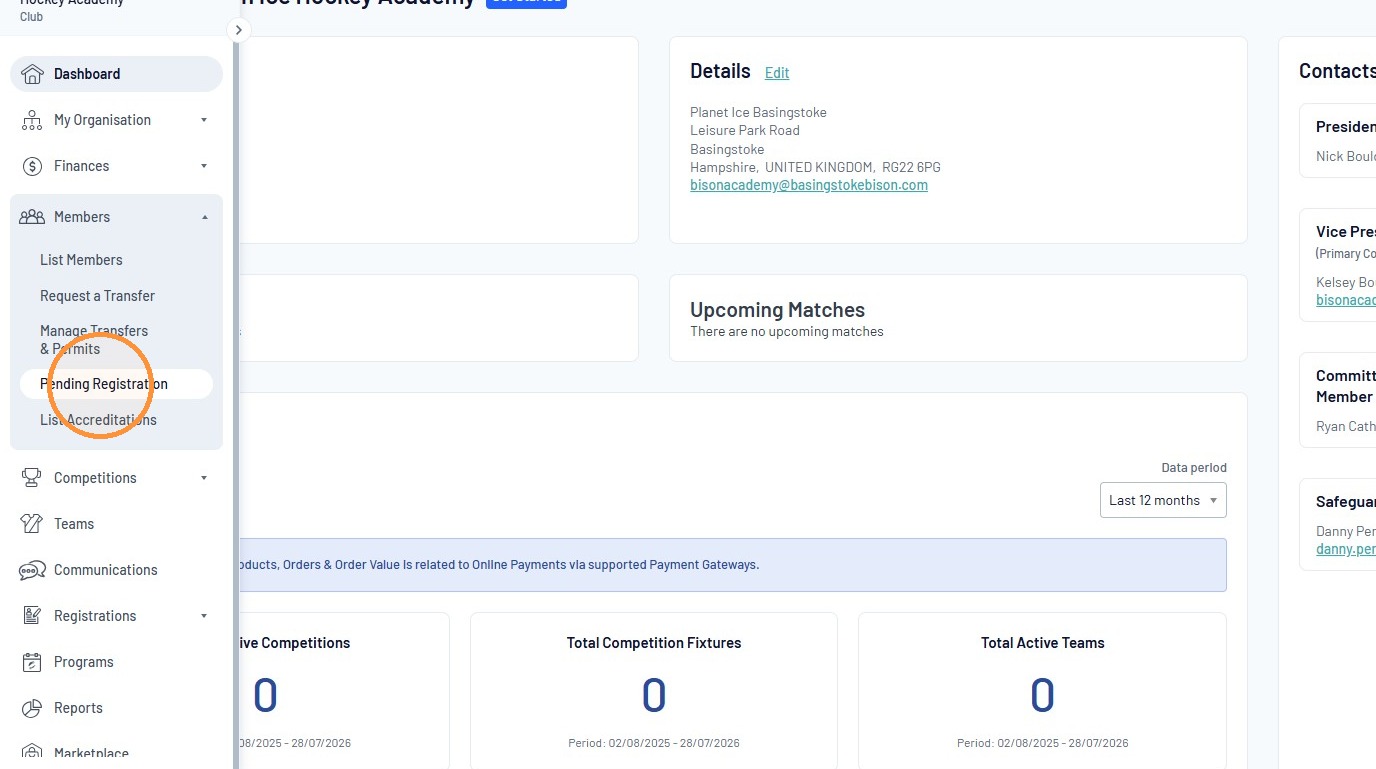
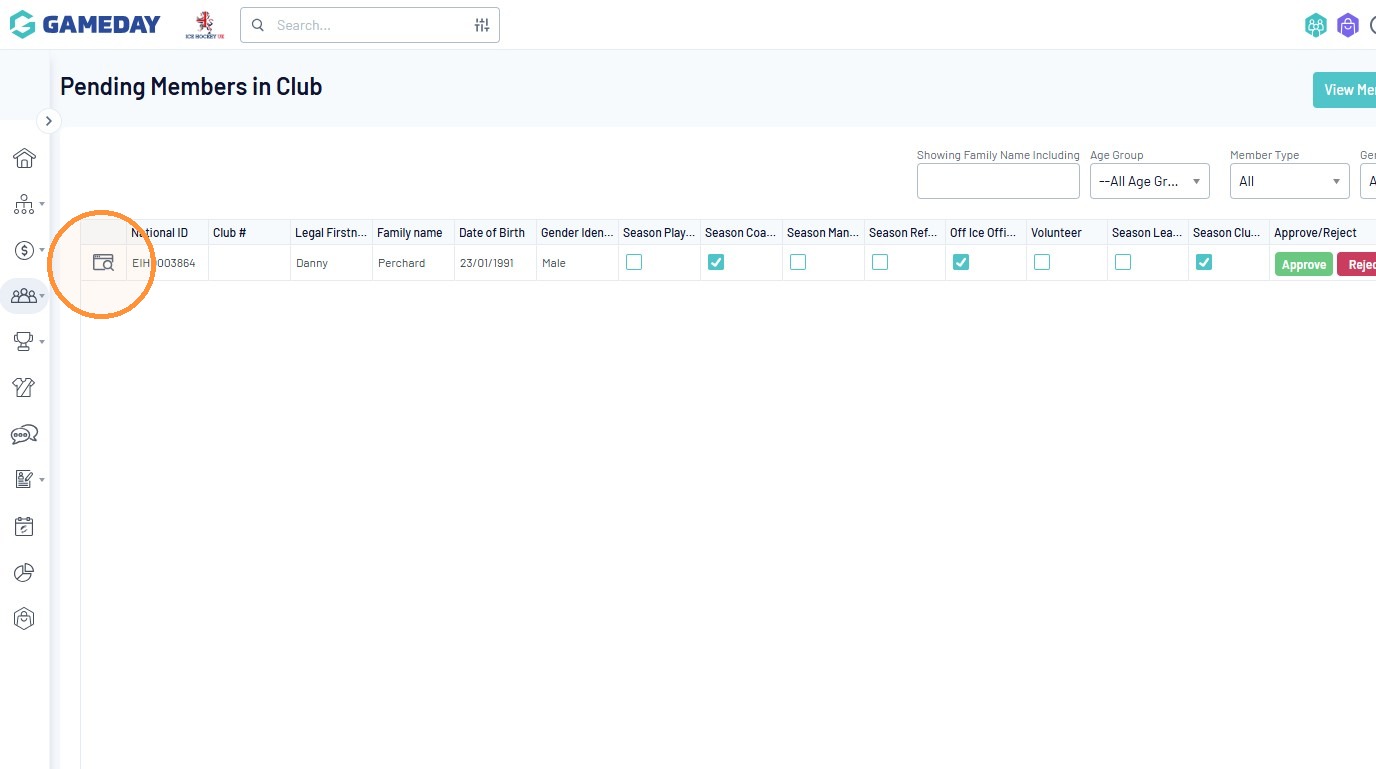
6. You will then be taken to your Pending Members.
Ensure that ‘Age Group’ is –All Age Groups– and ‘Member Type’ is ALL to ensure you see all pending members.
7. Click the member details icon for the pending member.
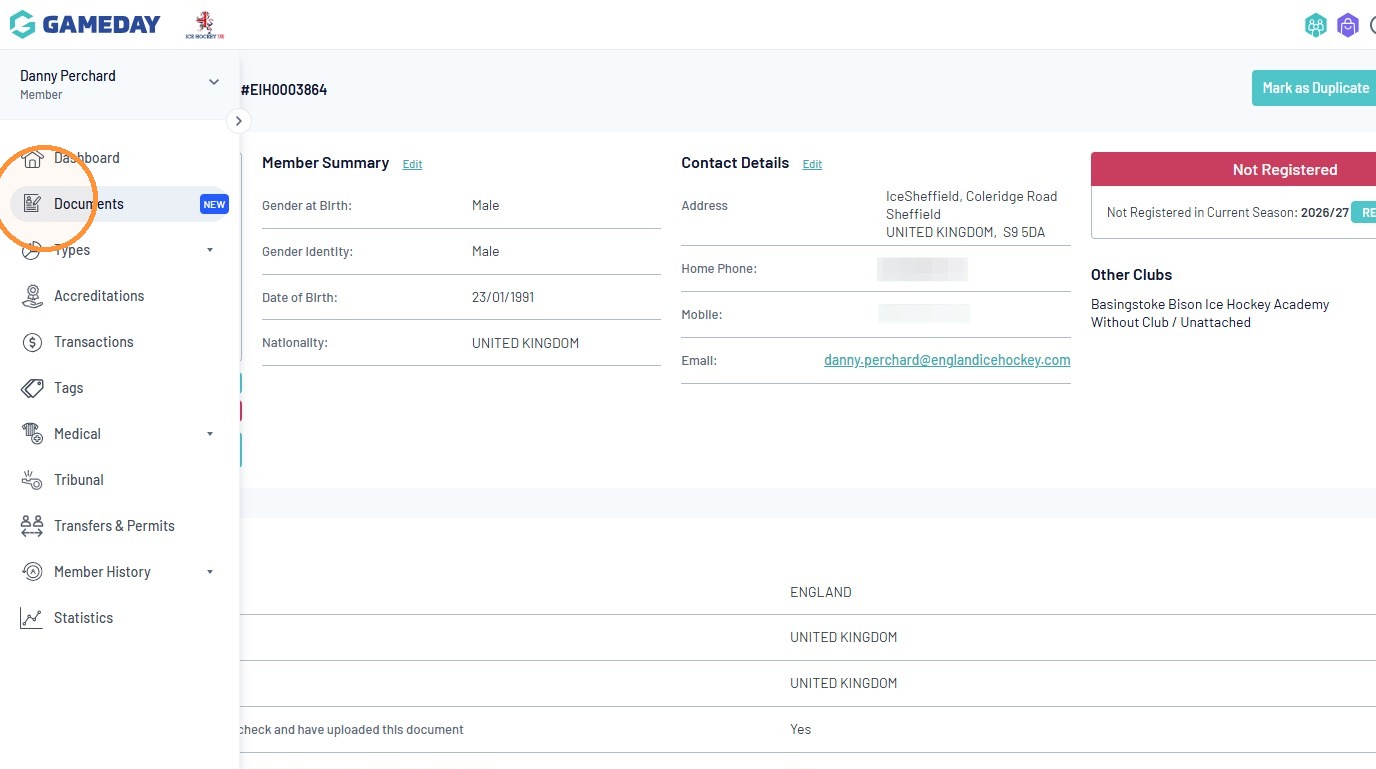
Member Record Review
8. Click “Documents”
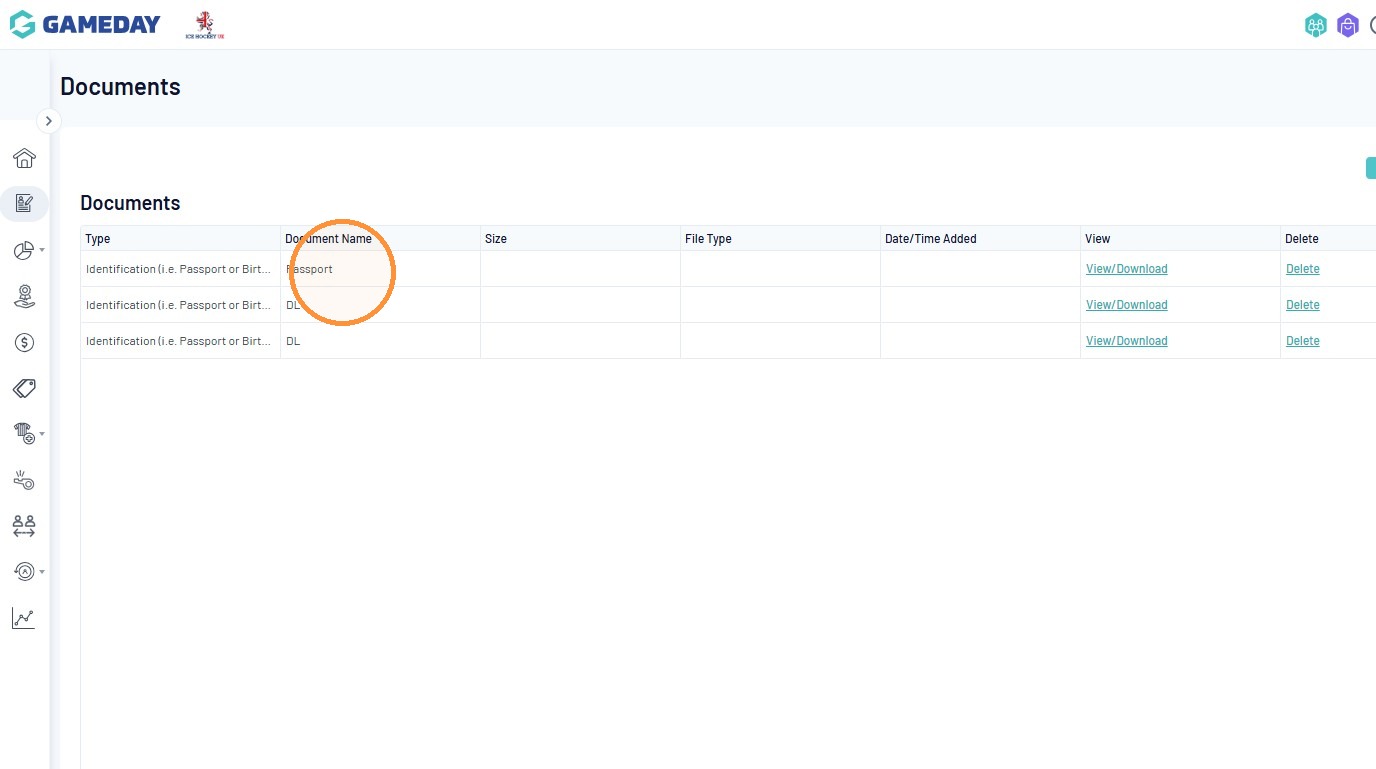
9. Check that the member as uploaded the correct ID of either a Passport, Driving License or Birth Certificate.
10. Click “Transactions”
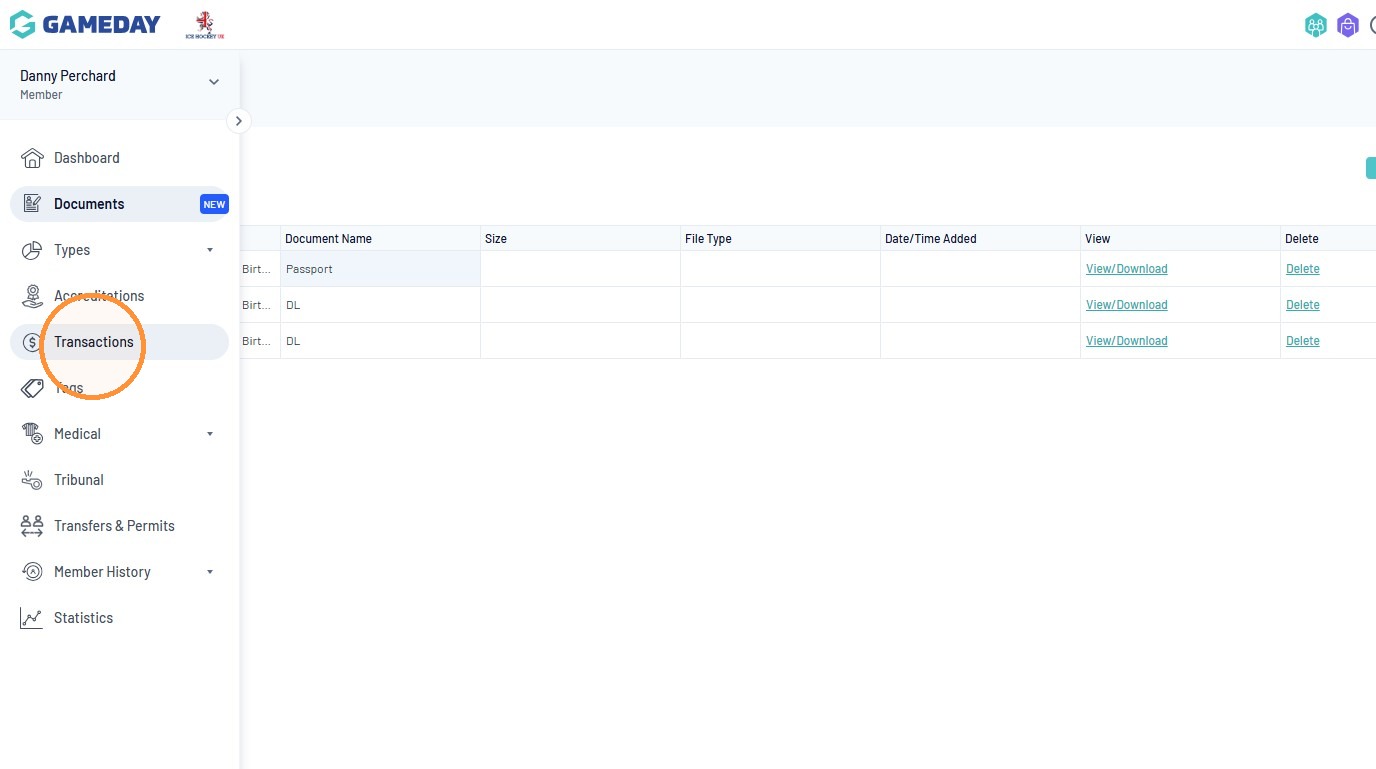
11. Check that the correct payment value has been paid.
Price List
- Adult Insurance Only Player Registration – £47
- Child Insurance Only Player Registration – £21
- Bench Support (Equipment Manager) – £57
- Coaches – £83
- Managers – £57
- NIHL Player Registration – £145
- WNIHL Player Registration – £88
- U10 Player Registration – £36
- U12 – U19 Player Registration – £72
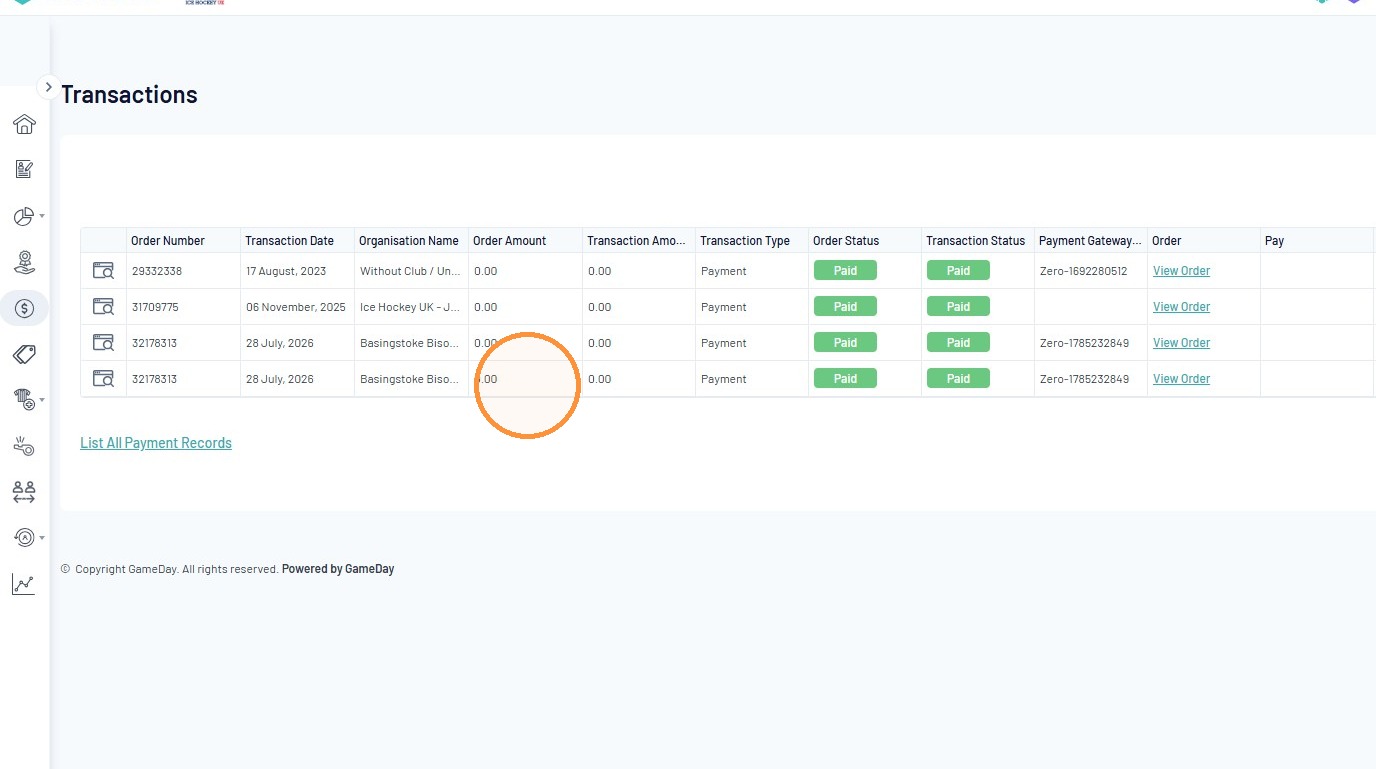
12. Click “Tags”
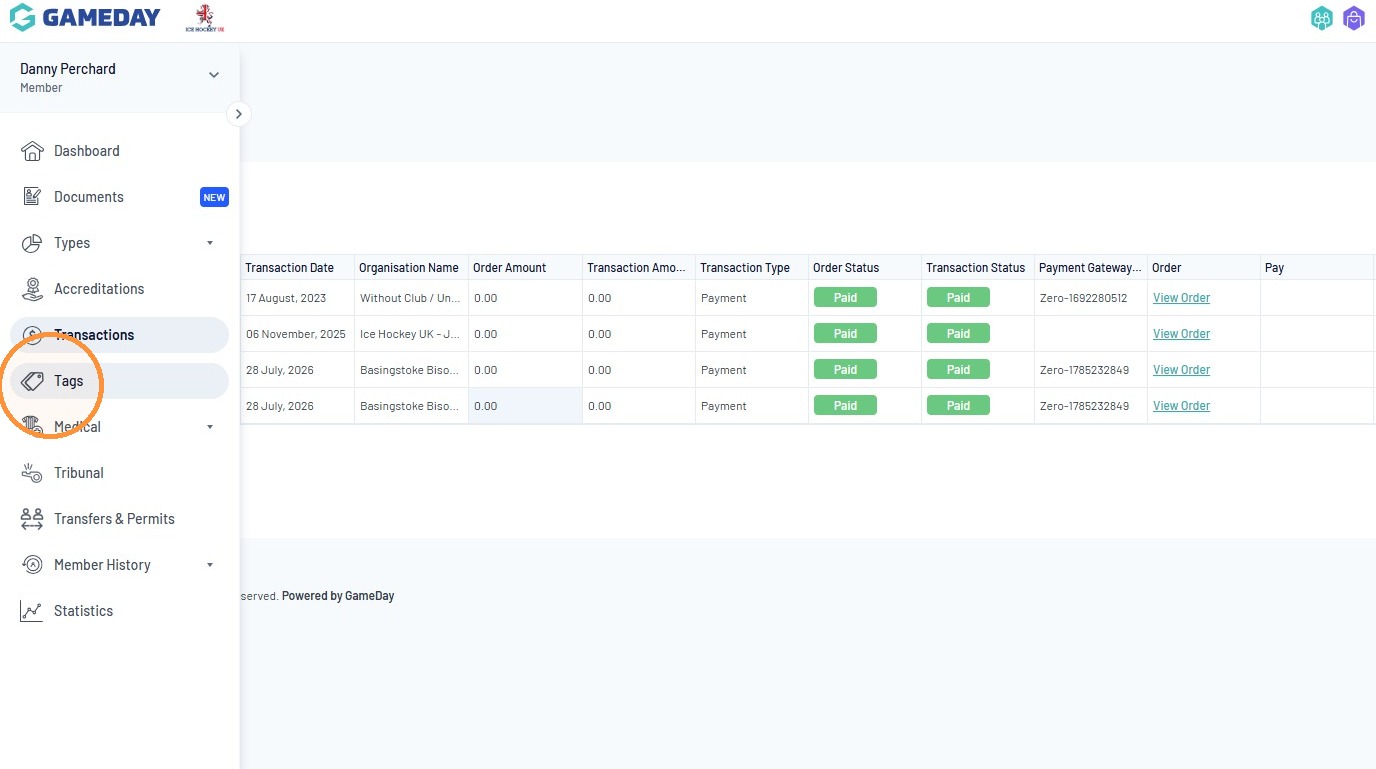
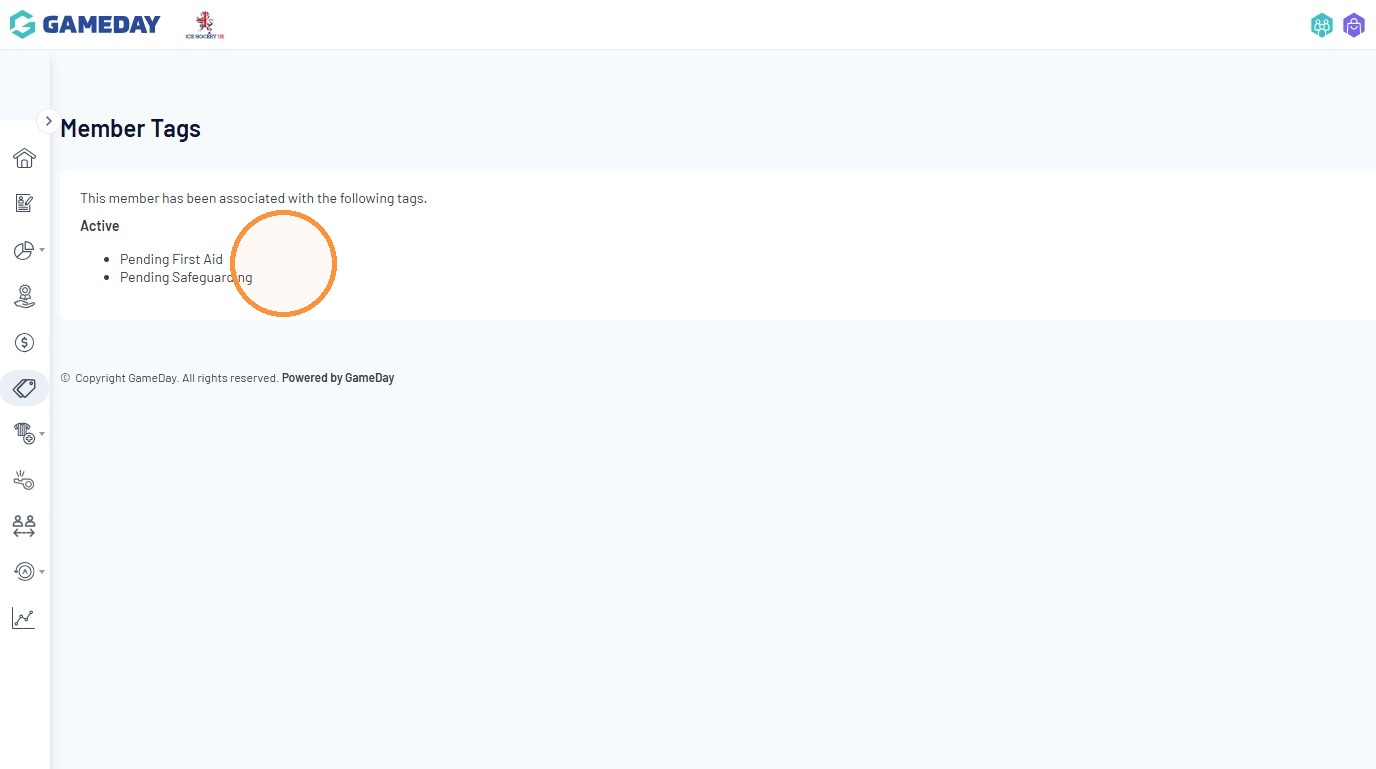
13. Click to see if any member has anything pending before accepting their registration. Any questions regarding any Education, please contact education@englandicehockey.com.
Member ITC Check
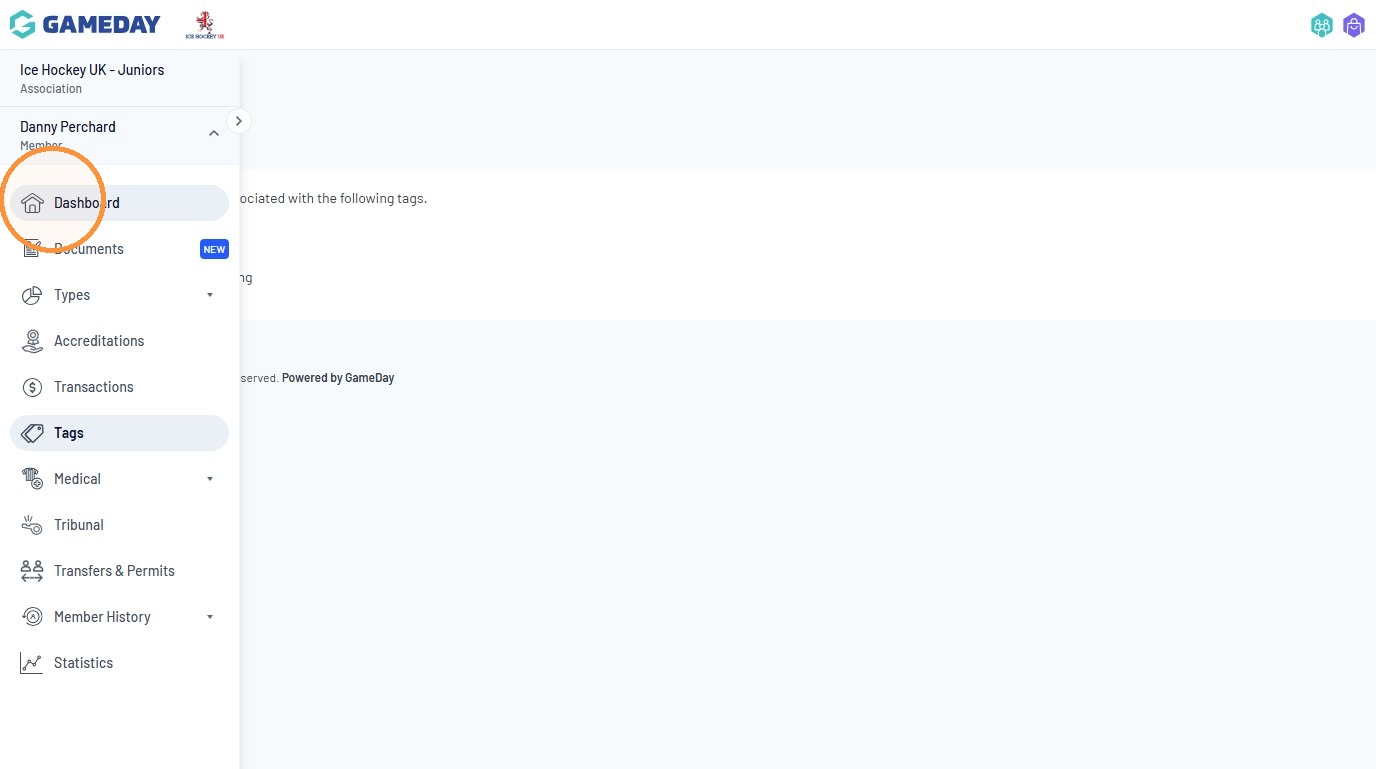
14. Return to “Dashboard”
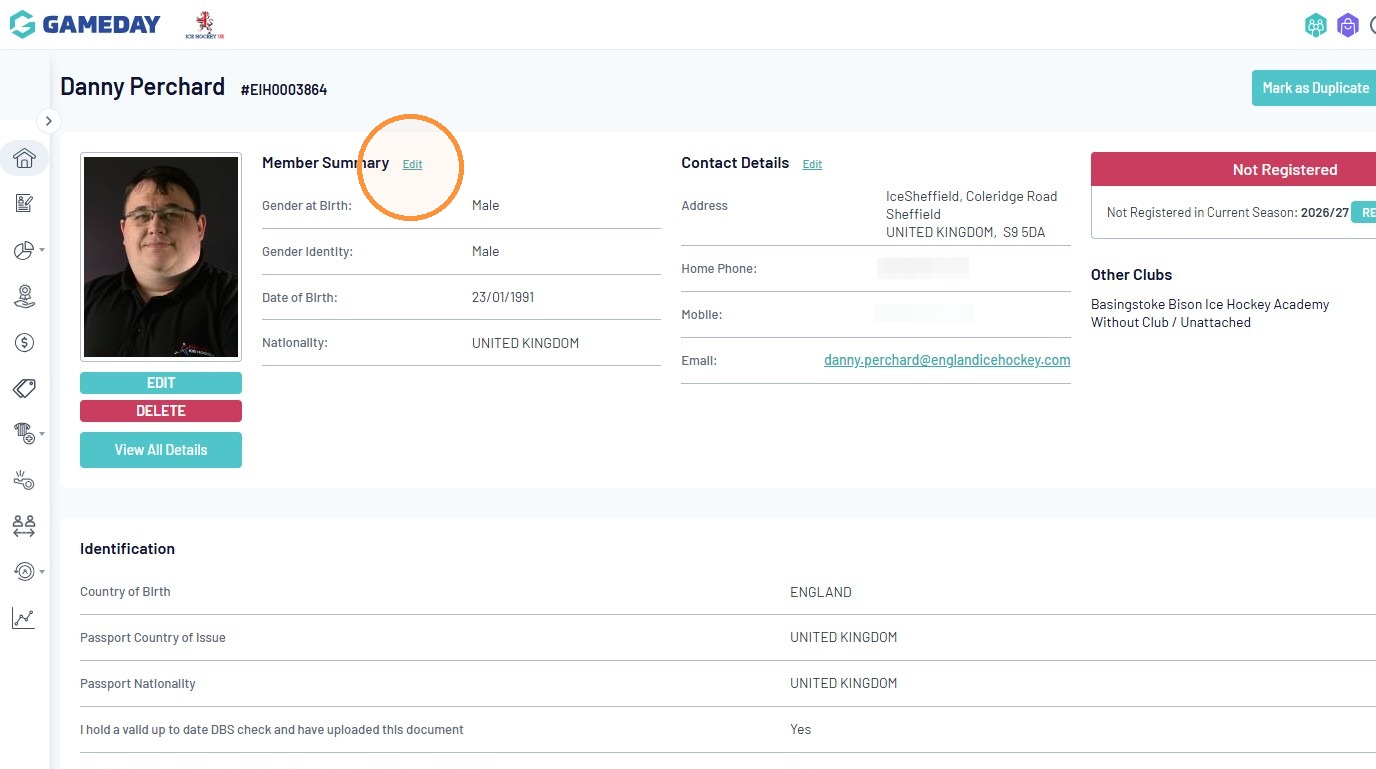
15. Click “Edit” next to Member Summary
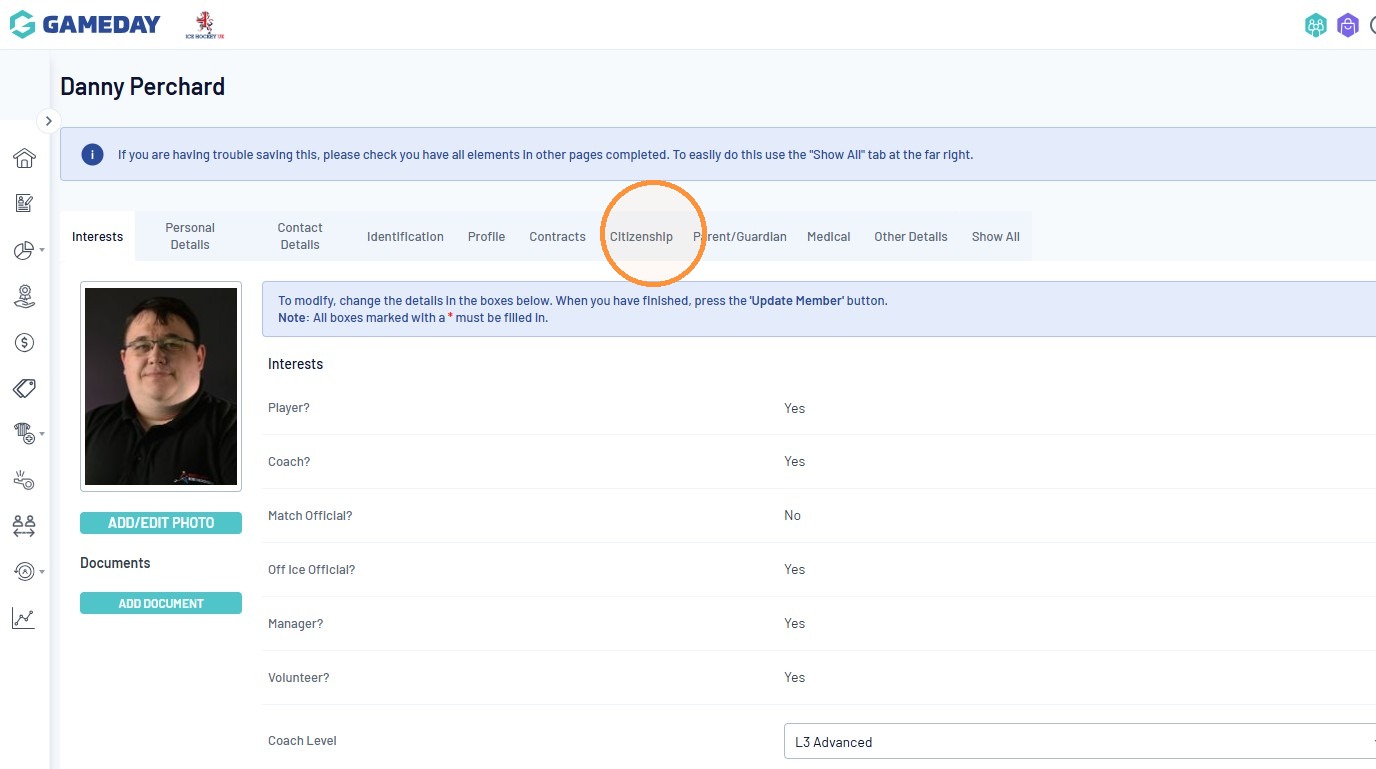
16. Click “Citizenship”
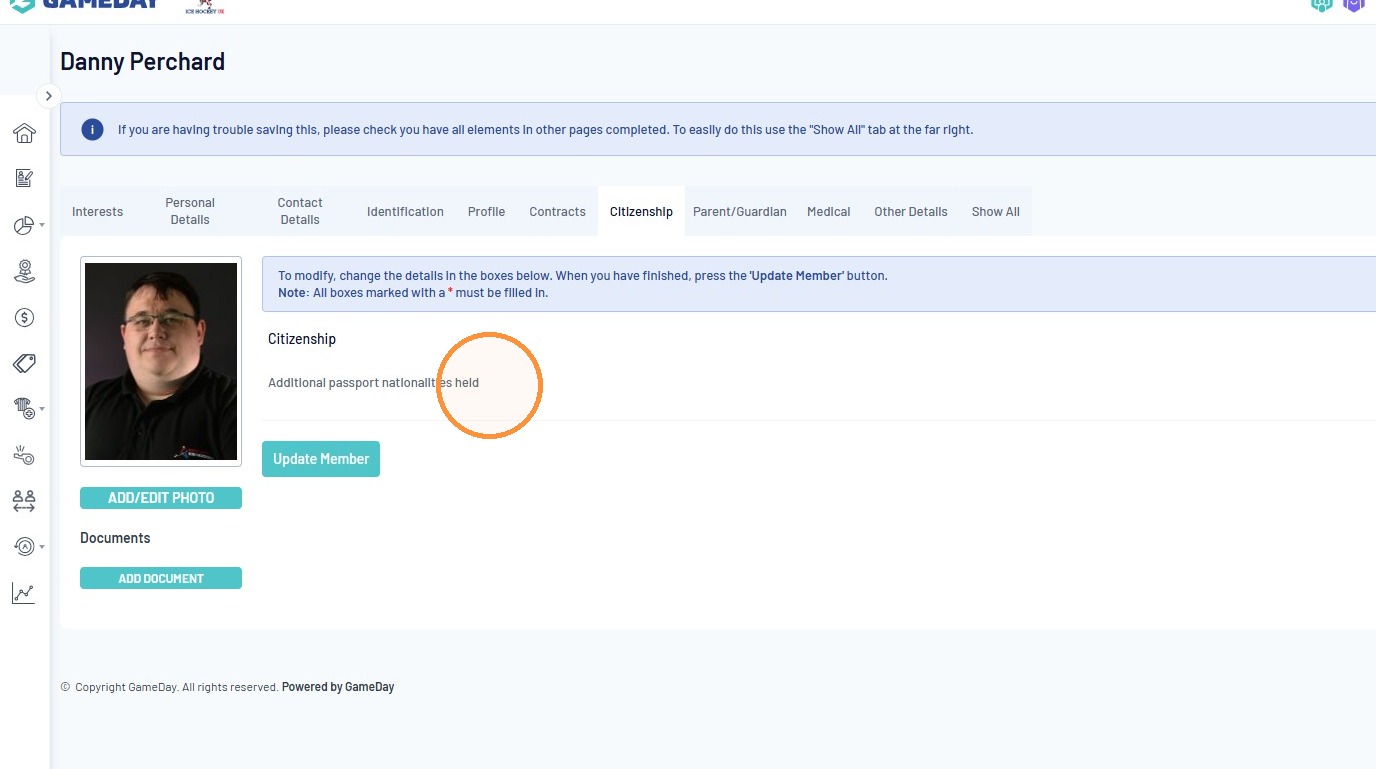
17. Check the answers to all questions under the ‘Citizenship’ section to understand if this person requires an ITC. If they have played overseas or hold a 2nd passport with a different nationality, please contact IHUK via email at ihukadmin@icehockeyuk.co.uk.
Pending Registration Review
18. Return to the Club Dashboard and click “Members”
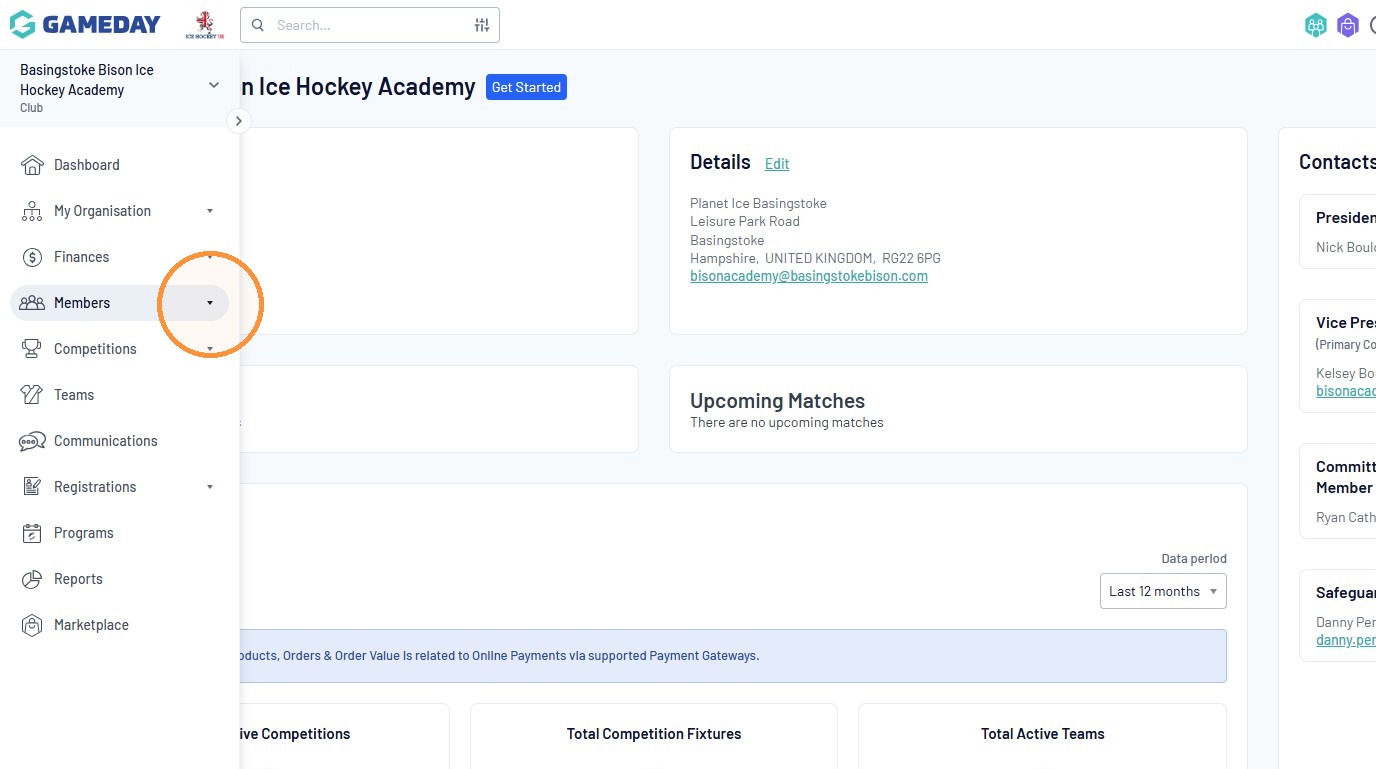
19. Click “Pending Registration”
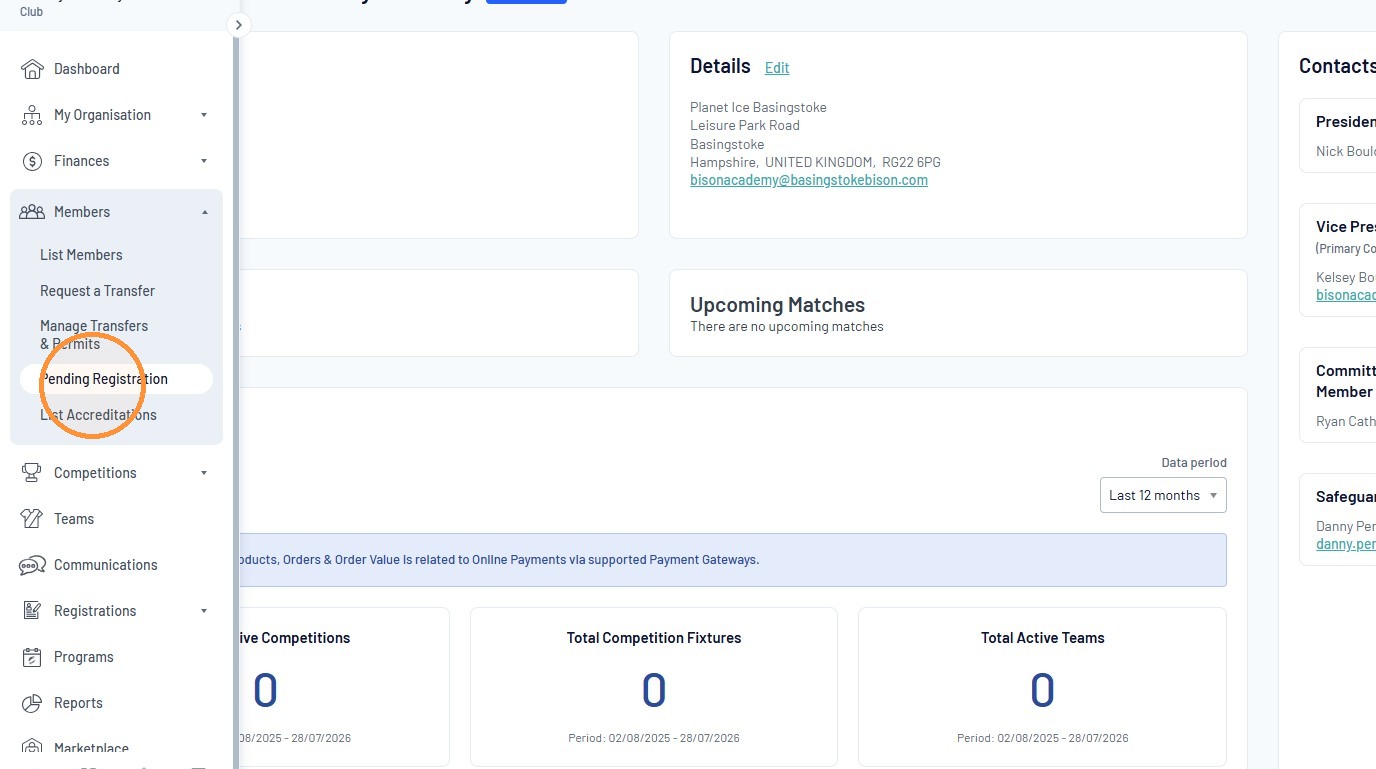
20. Click either ‘Approve’ or ‘Reject’ subject to the above.
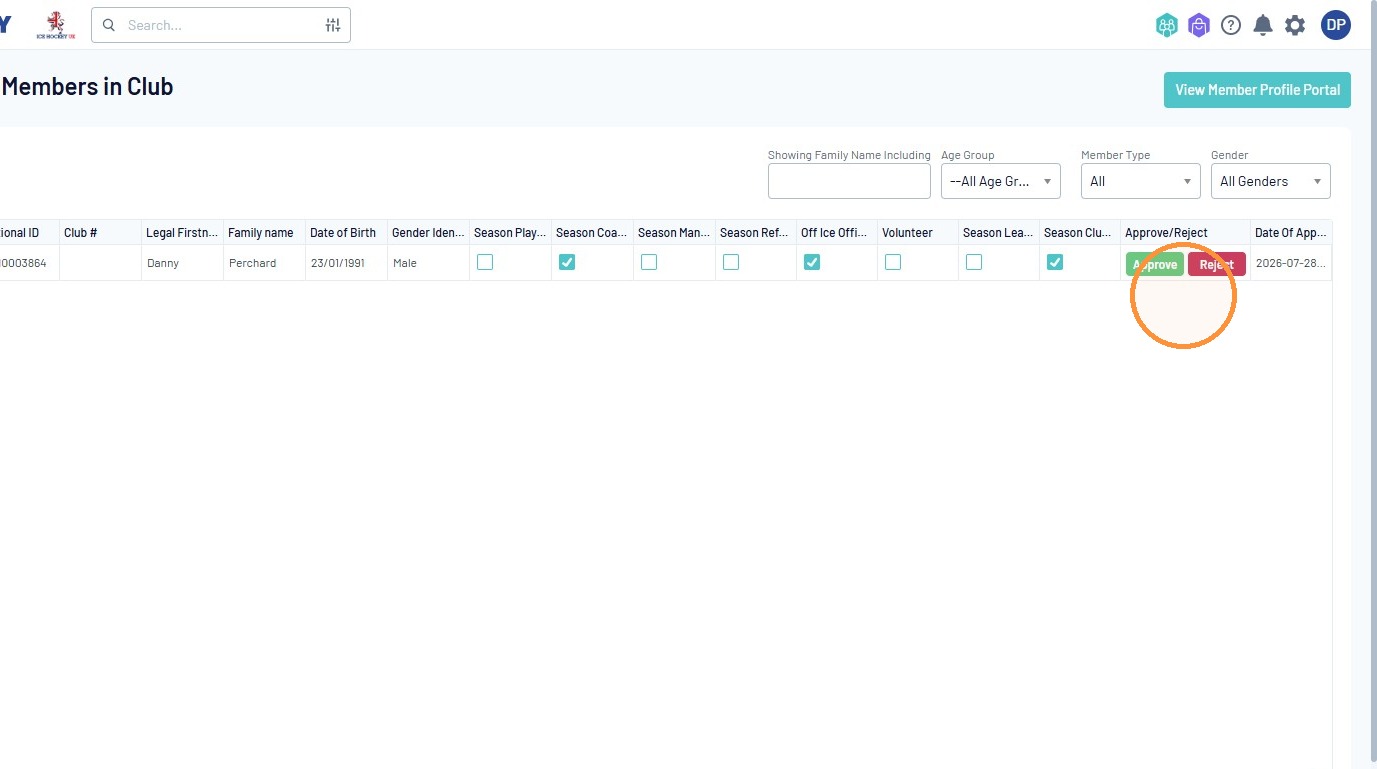
Tip: Please be mindful that if a registration is rejected, a valid reason must be provided. This reason will be communicated directly to the member via email.
Advice: Where there are outstanding issues with an application, we recommend leaving the member’s registration in a Pending status until all issues have been fully resolved, rather than rejecting the application prematurely.
Please also note that where a registration is rejected, no refund will be issued and the member will not be permitted to reapply for the same licence during that season.
Alert: ⚠️ Please Note: All pending registrations outstanding after 30 June will be rejected without exception. Members whose registrations are rejected due to non-completion by this deadline will not be entitled to a refund, credit, or reimbursement of any kind.